Creating Folders/Documents
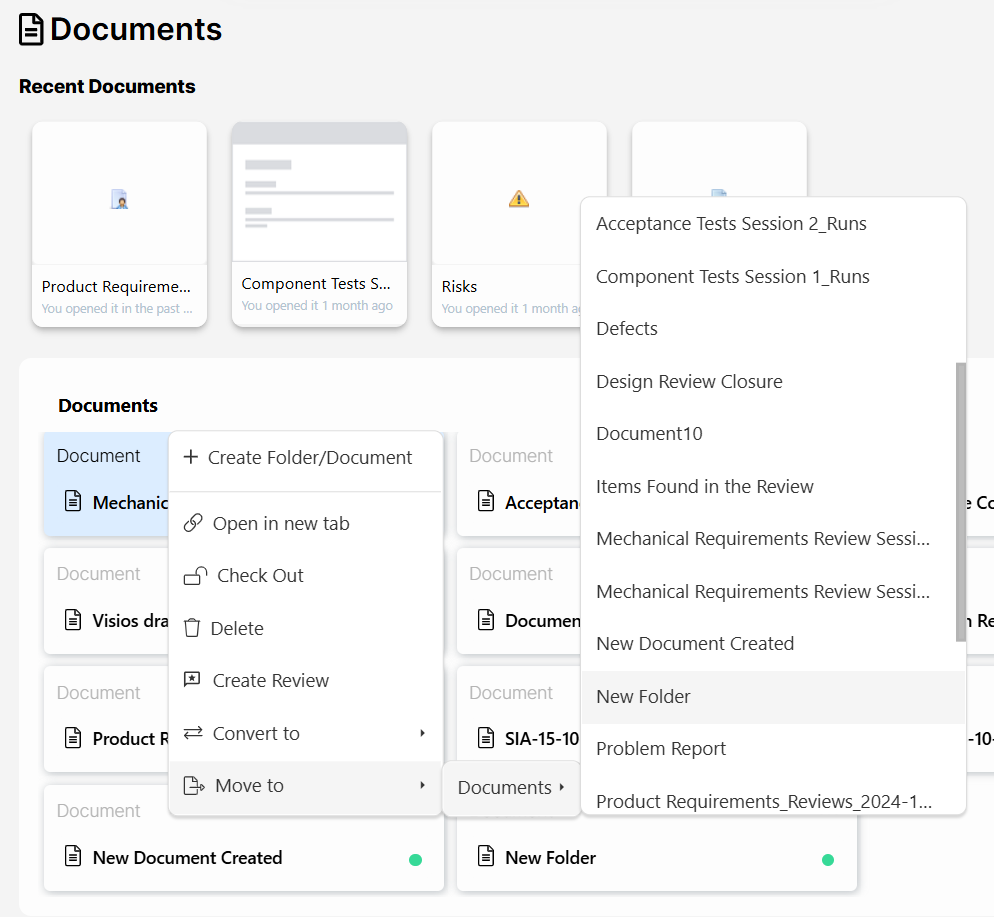
Users can create new folders and documents by clicking on the 

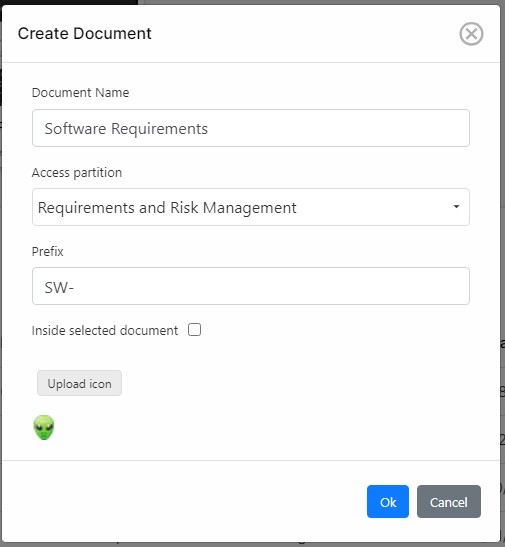
When creating a new document, the user will have to enter the following information:
- Document Name: This is the name that will be given to the new folder/document.
- Access Partition: These are the access rights that you will be giving the new element.
- Prefix: This is the prefix that will be given to all the codes of items created inside this document. For instance, if the prefix is established as “PR-“, and a new item is created inside the document, it´ll automatically take a “PR-X” code, in which X will be a sequential number.
- Inside selected document: When a new element is created, it´s possible to create it within the current folder, or inside the selected folder/document. Therefore, if we are inside the Component Requirements folder, and the checkbox is not selected, any new document will be created inside this folder. However, if we are inside the Component Requirements folder and we select a document called Software Requirements, if the Inside selected document option is checked, the new document will be created inside the Software Requirements. If Software Requirements was not a folder before, it´ll become a folder now.
- Upload icon: This is a small icon that can be used in the Data Model and other areas of the tool.
Create a Folder
Visure does not distinguish between the concepts of folders and documents. Folders are simply documents that contain other documents inside them. Therefore, a document will automatically be converted to folder if a document is created inside it.
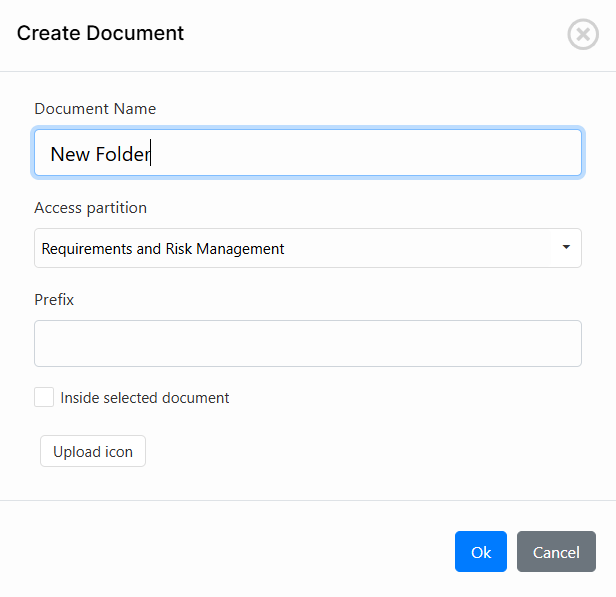
The Folder will be a Document first:
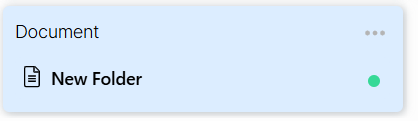
To convert this document into a Folder, click on the three dots 
Move to > Documents > Select the document you want to convert to a folder.