
Managing widgets
Dashboards may contain any number of widgets to display specific information on the project.
Creating new widgets
To create a new widget project managers can click on the Add New Widget option at the end of each dashboard:
This will display the New Widget wizard in which the user will be able to select the type of widget desired and configure it according to the needs:
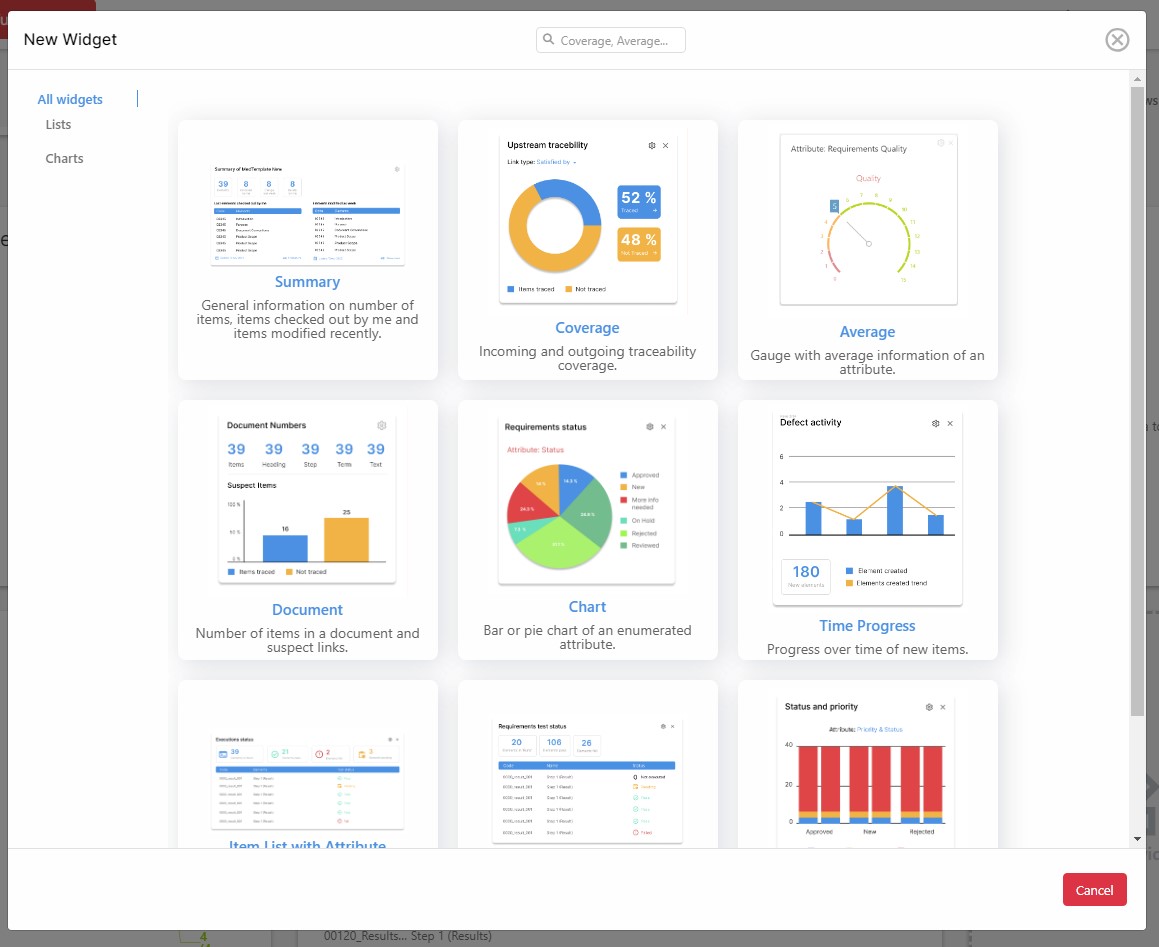
Once the desired widget is selected, a configuration window will appear in which the user will be able to configure the information displayed in the widget. This configuration window will depend on the widget chosen. Once chosen, click on the Create Widget button to create the widget.