
Exporting to MS Excel
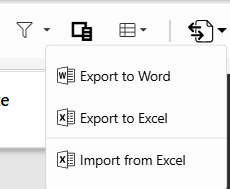
When List View type is selected, the user can export the view to Excel by clicking on the export button and then selecting Export to Excel.
The following options are available in the prompted dialog:
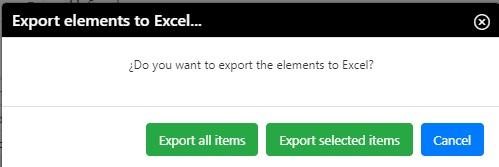
Export all: All the items visible in the view are exported to Excel.
Export selected: Only the items that were selected before clicking the Export to Excel button are exported to Excel.