
Navigation Panel
The navigation panel displays a hierarchical list of the items in the document. This panel can be toggled on or off by clicking on the navigation button (
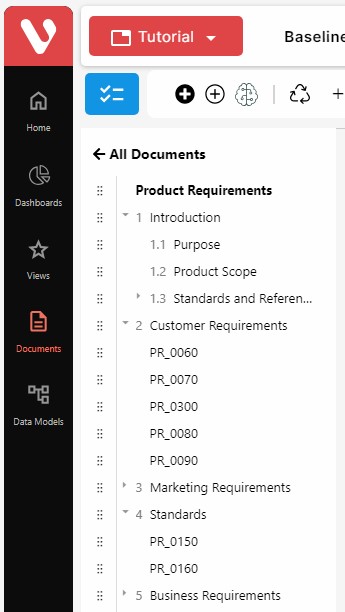
Selecting them and right-clicking on top of them allows users perform basic operations over the items such as checking them out/in or delete them.

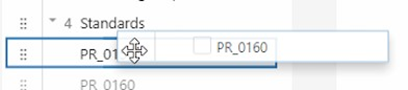
Items can also be rearranged by clicking on the selection icon ( ) and drag and dropping them in the navigation panel. Items can be dropped on top of another item to establish it as a child. This is represented as a box around the item:
Items can be dropped after another item to place them at the same level of hierarchy, after the selected one. This is represented as a line after the corresponding item:
