
Restoring and destroying users
At the top of the list of users, there is a Restore Deleted Items button (
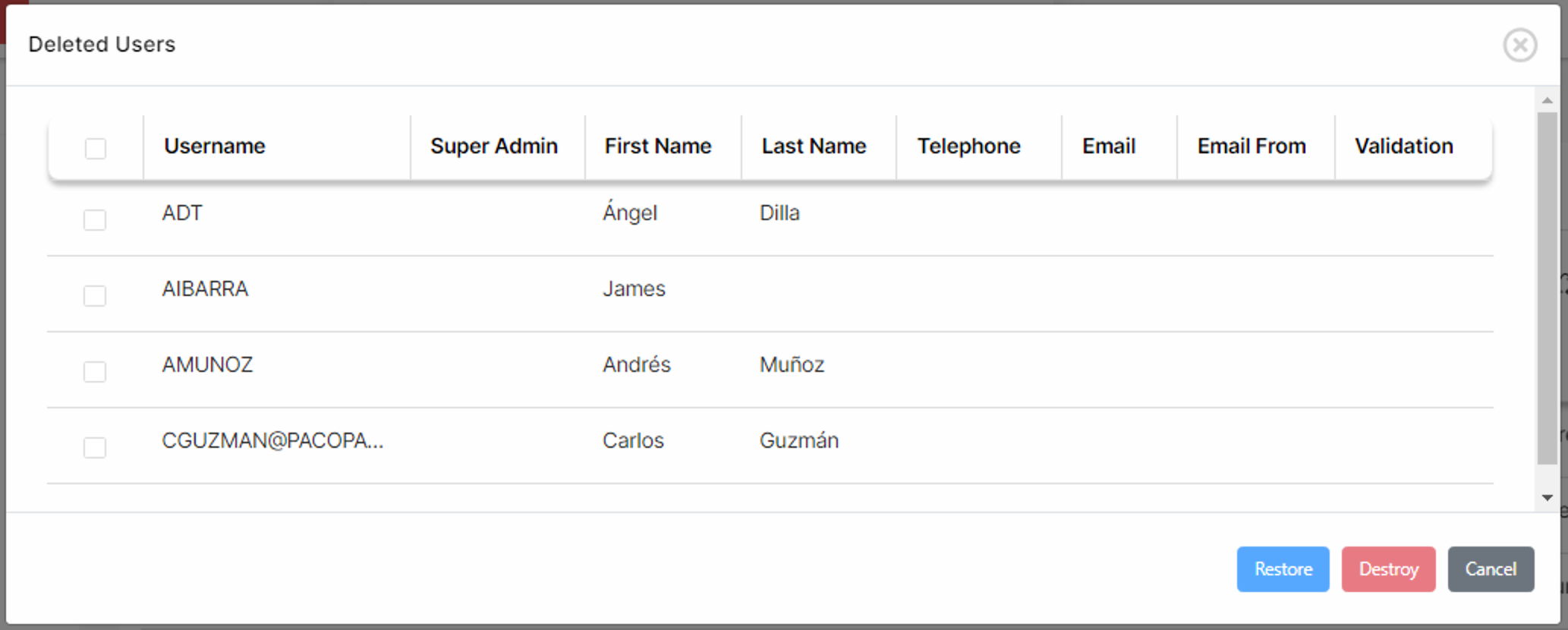
Administrators may then select the corresponding users and choose whether to restore or destroy them.
Destroying users will effectively destroy all user data, including views and filters but will NOT destroy items such as items, attributes or links. These elements will then be associated to the ADMIN user.
Comments, attribute assignments and filters referencing the user will become invalid and will display and INVALID USER message.