
How to do traceability through Start link / End link options.
Traceability links between items can be created using the Start / End link options available in the context menu right clicking on a requirement.
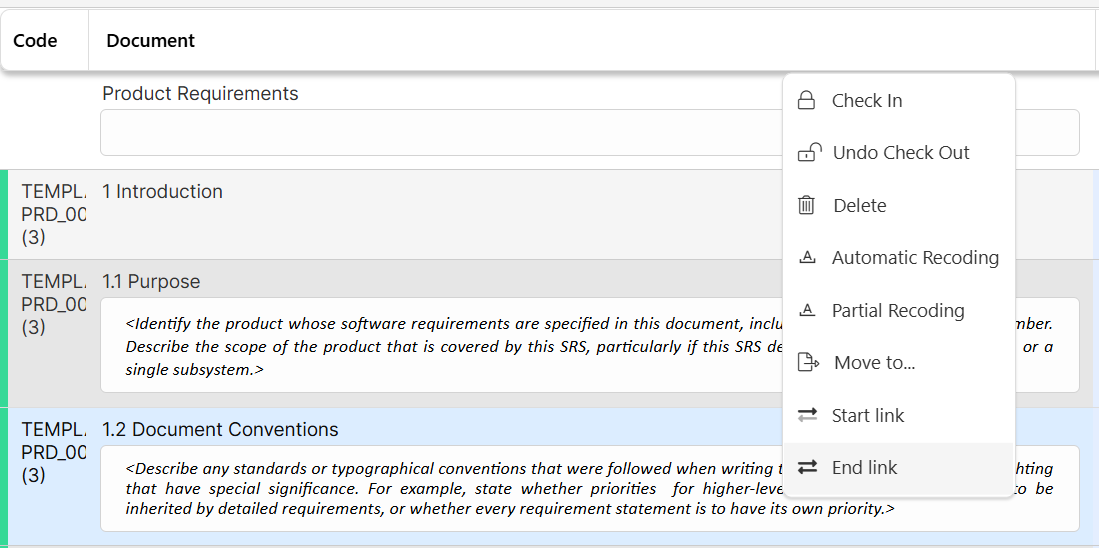
To create links, select one or several items and click on 

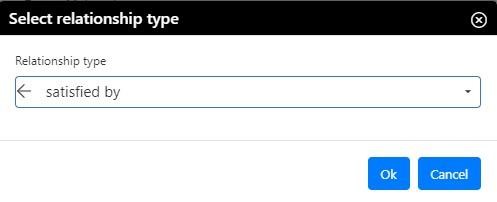
Select the link type in the drop-down menu (more than one option is available) and click on OK.