
Home Page
The Home Page is the first icon in the Elements Panel and displays the following information by default:
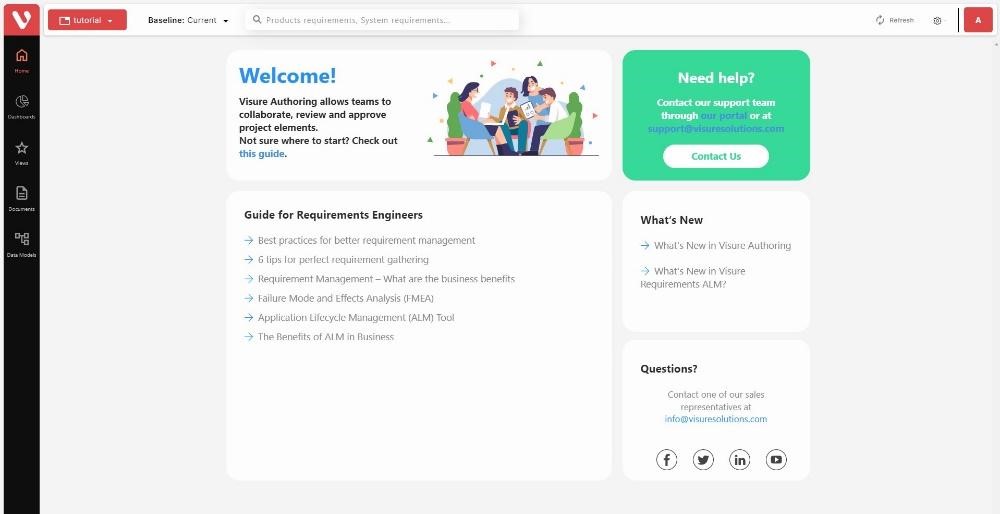
This home page is meant to be an area where Project Administrators share important resources such as links, videos, documents, as well as deadlines, contacts and other project and process information.
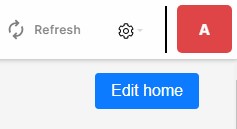
Therefore, Project Managers (project administrators) will be able to customize this page by clicking on the Edit Home button at the top right corner of the page:
This will switch the view to Edit mode, which will allow Project Managers to customize the contents.
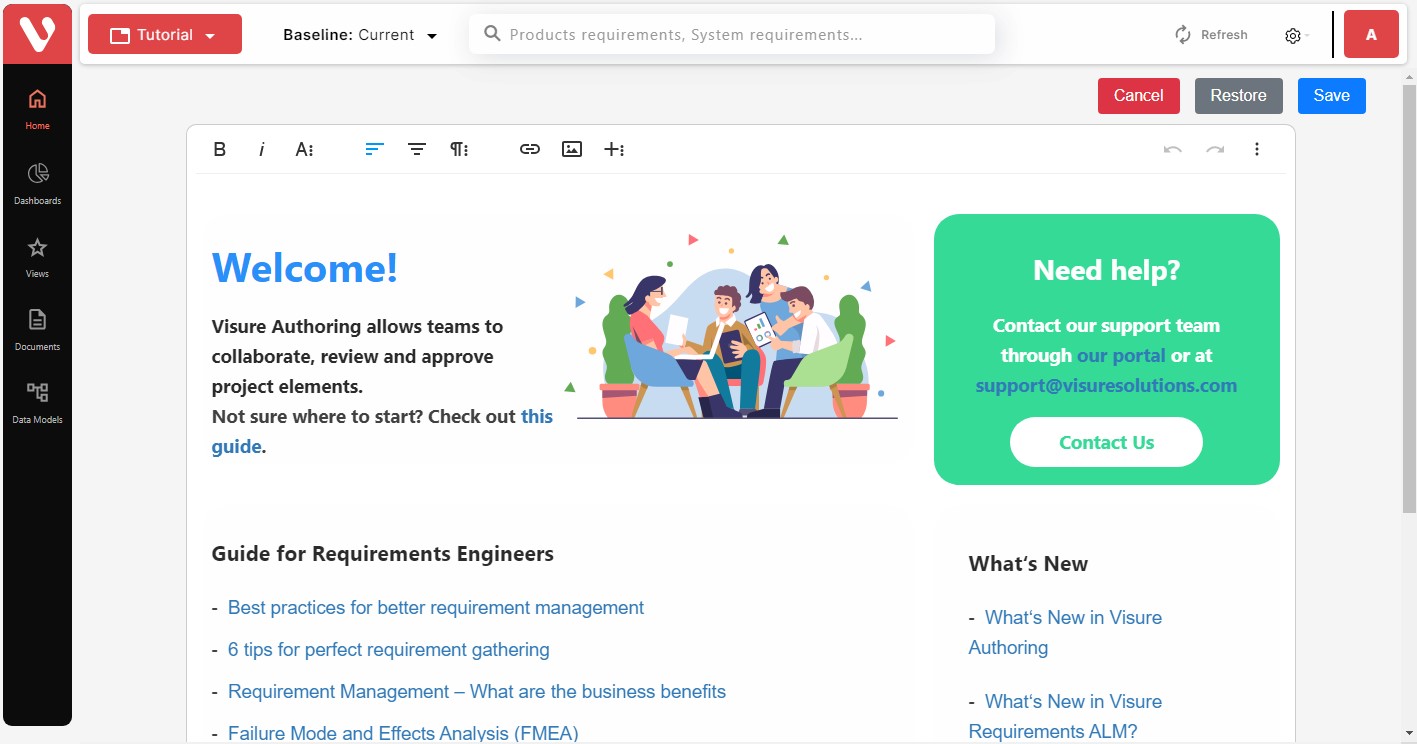
The Restore button will reset the contents of the Home page back to the original status.
To navigate to the Home Page, click on the 