
Create an Attribute Workflow
On the Gear Icon, access to Workflows.
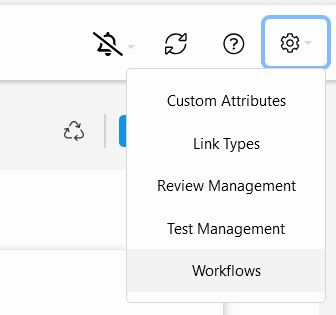
Click on 
You can select an existing enumerated attribute, or create a new one. If you create a new attribute, it will receive the name you select for the workflow with addition of "_attribute" at the end. You can edit 
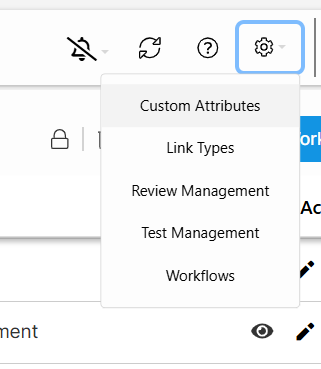
You can always edit the workflow just by clicking in edit icon 


NOTE: Remember that workflows, as all items in Visure, must be Checked out before editing it. If you don't check out an item, it will be blocked and impossible to edit.