
Log in with username and password
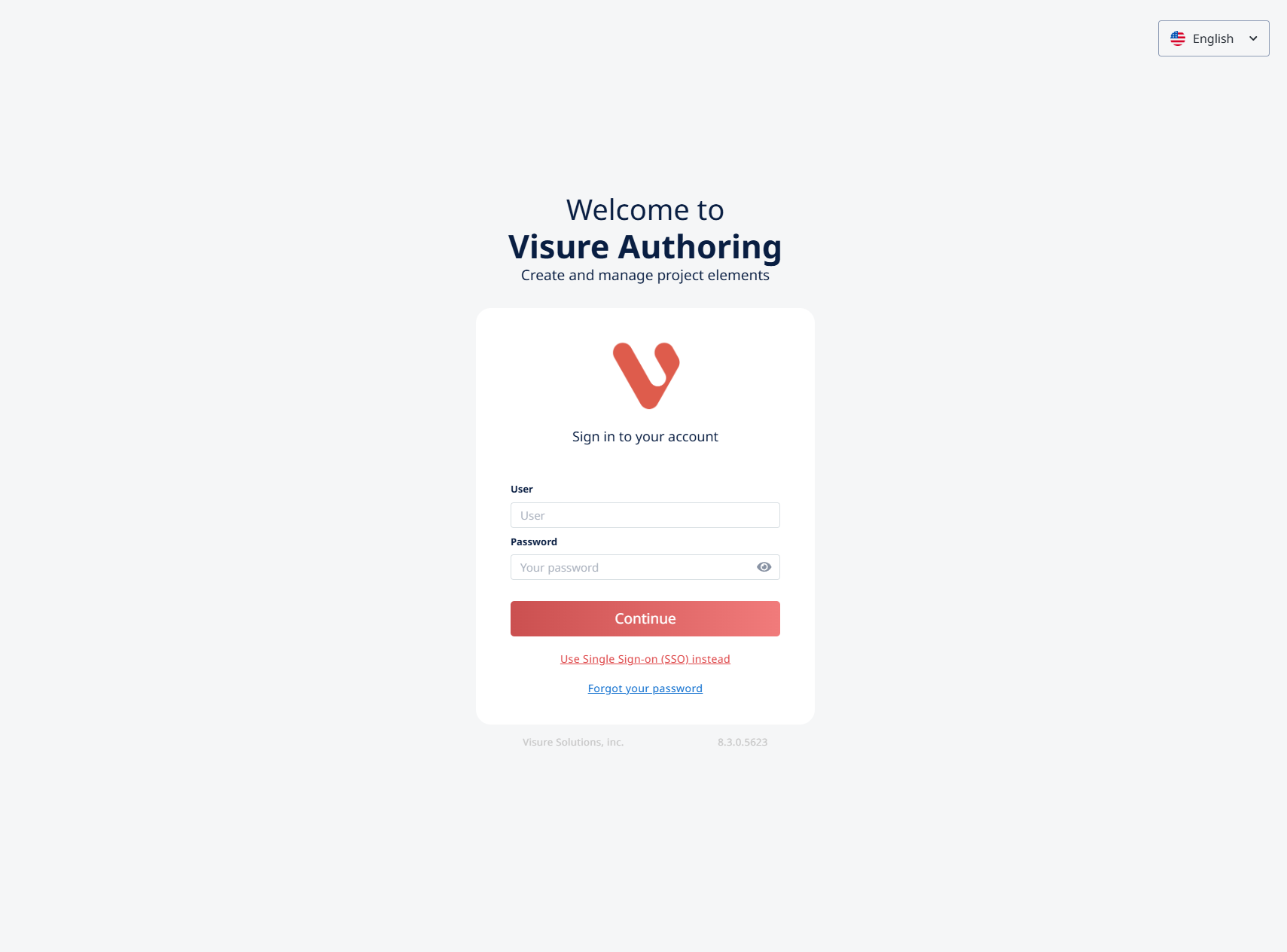
Most Visure installations use a simple username + password sign-in. This is the default if your organization hasn't enabled Single Sign-On.
To sign in:
- Open your Visure URL in a browser (something like
https://yourcompany.visure.com/VisureAuthoring8) - Enter your username in the Username field.
- Enter your password in the Password field.
- Click Sign in.
You'll land on the projects list — the first thing every Visure user sees. From there, click any project to enter it.
If you don't have a username yet, contact your Visure administrator. Users are created at the database level by administrators; you can't sign yourself up.
Read next: Log in with Single Sign-On · Reset your password